
BricsCAD Mechanical
BricsCAD Mechanical
BricsCAD makes advanced mechanical design accessible. It is intelligent, flexible, affordable, and, above all, enables greater design freedom.
BricsCAD’s unique variational 3D modelling approach gives you the freedom to design how you want to, from concept to detail, with whatever level of parametric control you need.
Quickly develop complex components on their own, or directly within an assembly.
Design parts and components
With BricsCAD Mechanical, the design process is simple. Start your design with a 2D sketch, then extrude, revolve, or sweep it to create a 3D solid. You can also use built-in 3D primitives to specify the initial shape of your part. Move on to the details using extrusions, fillets, chamfers, Boolean operations, and edit using dynamic direct modeling. You control as much or as little of the form as you like with parameters. You can also import 3D solids and edit them as native components.
Flexible 3D modeling
3D parametrize and constraints
Copy features
Hole feature library
Automatically align copied entities
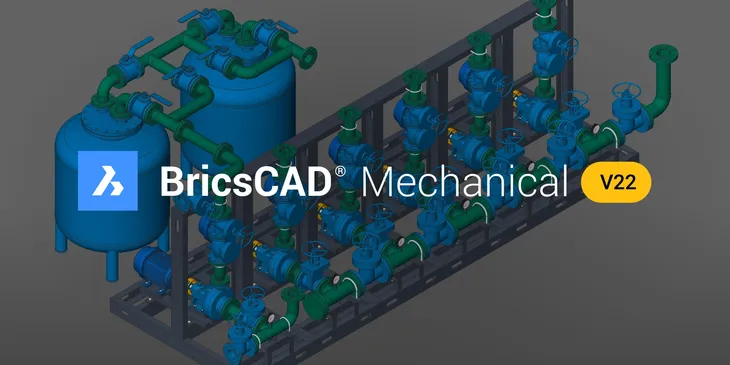
Smart Piping Design
Efficient 2D Detailing
BricsCAD offers the best, and most familiar, workflow for turning your mechanical designs into production drawings.
Drawing views
Automatically create drawing views of your 3D parts and assemblies, and detail views easily with dimensions and annotations. If your 3D model changes, generated drawing views are updated automatically.
Base views
Projected views
Section views
Detail views
BOM table
Balloons
Download BricsCAD for free!
The proof is in using a product, so try it out on us! No credit card is needed. If you know AutoCAD, you will be able to run this immediately! Open your existing DWG files, edit them, and then reopen them in AutoCAD! Save THOUSANDS and help that IT budget